


How do you Know If Someone Else Is Using Your Email Account ??!!
Your email account is more than just a communication tool. It’s the key to your online identity—connected to your bank, social media, subscriptions, and even your website. If someone else gains access to it, the damage can be devastating. That’s why it’s essential to know the signs of suspicious activity and how to test, prevent, and protect your inbox from unauthorized access.
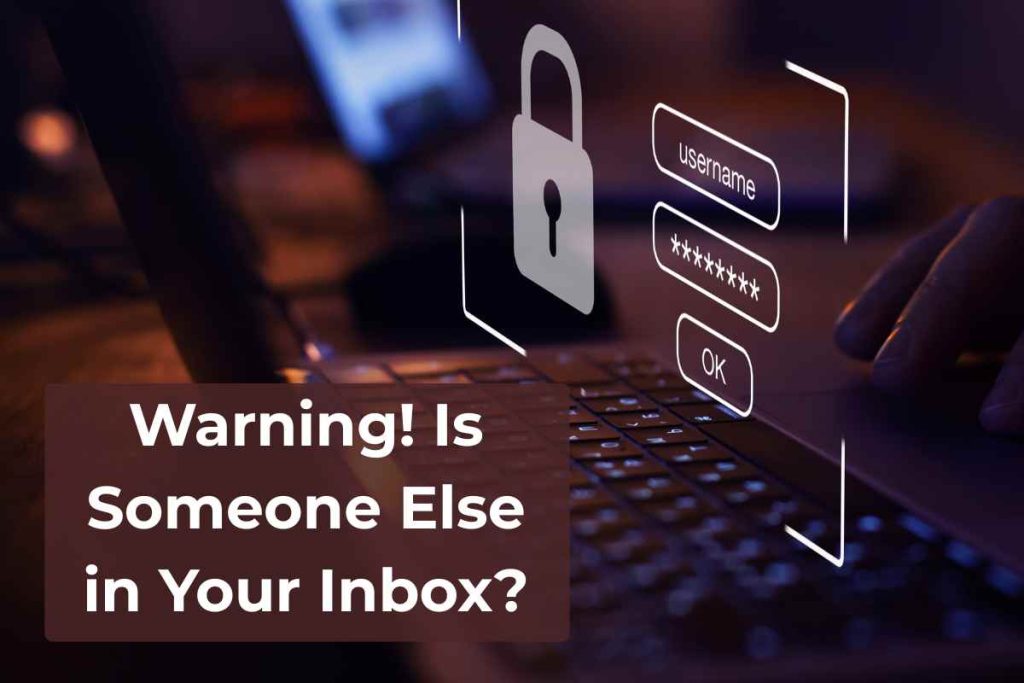
🚨 Warning Signs: Is Someone Else in Your Inbox?
If you’re wondering whether someone else is using your email, here are the most common red flags:
Unusual login alerts from unfamiliar locations or devices
Emails marked as read when you haven’t opened them
Sent folder activity with emails you didn’t send
Deleted emails you didn’t delete
Strange password reset emails for accounts you don’t recognize
Spam complaints from contacts you never emailed
Blocked from accessing your account because the password has been changed
If you notice one or more of these, it’s time to act immediately.
🕵️♂️ How to Test If Someone Else Is Accessing Your Email
If you’re unsure, try setting a “trap.” This trick can help detect unauthorized activity:
Send a test email to yourself from another email, or perhaps a friends email, with a strange subject (e.g., “Do Not Open”, “Your files as requested”, “ID’s files as requested”).
Don’t open it—leave it in your inbox.
If that email is marked as read, archived, or deleted later, it’s a major warning sign. Someone might be snooping.
You can also:
Check your login history. Most email providers (like Gmail, Outlook, Yahoo, etc.) have a log of recent sign-ins. Look for unknown locations or devices.
Review the “Devices” section of your email security settings. Remove anything unfamiliar.
Check filters and forwarding settings. Some hackers secretly set up rules that forward your mail to themselves. Delete any suspicious rules or auto-forwards.
🔐 The Dangers of a Compromised Email
If someone gains access to your inbox, they could:
Reset passwords for your banking, shopping, or social accounts
Steal sensitive personal or business data
Send spam or phishing emails to your contacts
Impersonate you to scam others
Lock you out of your own accounts
- Hijack invoices that you send, and resend them with their own banking information
For businesses, this could mean data breaches, reputation damage, and even legal trouble.
🛡️ How to Prevent Unauthorized Email Access
To protect your email account—and your identity—follow these essential steps:
1. Use Strong, Unique Passwords
Avoid using the same password across multiple accounts.
Make your password long and unpredictable (e.g., “G#7!pLxm2@fD”).
Use a password manager to store them securely.
2. Change Your Password Regularly
Even if nothing seems wrong, change your email password every few months. If your account was breached in a data leak, this could protect you from delayed attacks.
3. Set Up Two-Factor Authentication (2FA)
Enable 2FA so that even if someone gets your password, they still can’t log in without your phone or verification app. This is one of the most effective ways to stop unauthorized access.
4. Review Active Sessions and Devices
Every few weeks, check which devices are logged into your account. Sign out of any that look unfamiliar or suspicious.
5. Avoid Using Public Wi-Fi Without a VPN
Public Wi-Fi is a hacker’s playground. If you’re checking emails from a café or airport, always use a VPN to encrypt your connection.
6. Educate Employees or Team Members
If your email is shared with staff or used for business, make sure everyone knows the basics of email security. One careless mistake can expose the whole system.
🗂️ Backups and Recovery Access
If you ever lose access to your email, you’ll need a backup. See our article post on Email Backups!
Add a recovery phone number and email address.
Print and safely store backup codes if your provider offers them.
Don’t wait until it’s too late to recover your account.
✅ Final Thoughts
Your email account is the gateway to your entire digital world. By staying alert and following the right security habits, you can prevent most threats before they happen. Keep an eye out for signs of suspicious activity, review your settings often, and never share your email login details with anyone—even people you trust.